The Problem
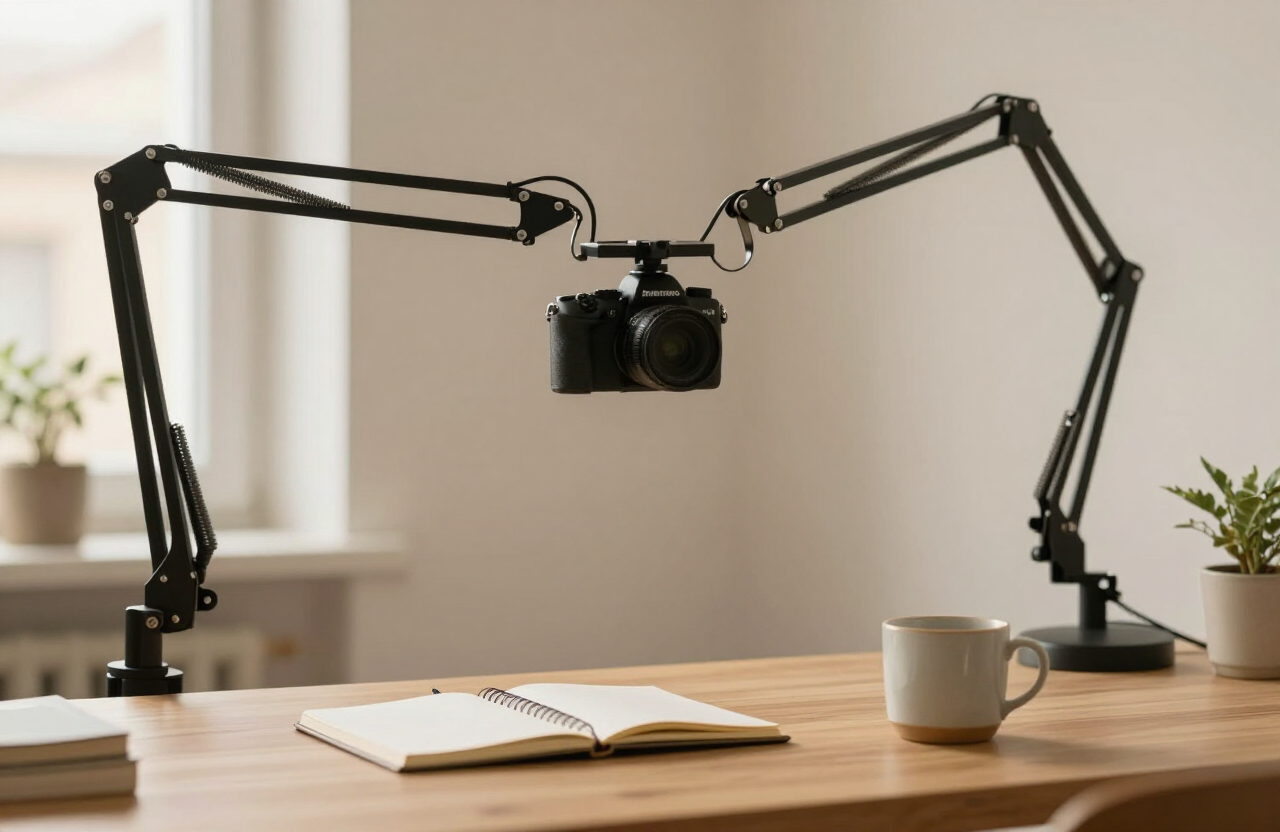
The overhead shot — hands, product, paper — is the grammar of tutorial and review video. Achieving it usually means a tripod splayed across the desk, legs in frame, camera wobbling at the end of a horizontal column it was never designed for.
The real problem is leverage: a camera at the end of a long horizontal arm multiplies every vibration and every gram. The research question became what mounting geometry delivers stability from a desk edge, renter-safe and re-positionable.
The Research
We reviewed creator-studio build logs, load ratings across mounting systems, and long-term owner reports on sag and joint drift. Tripods repurposed for overhead work consistently failed on vibration; dedicated desk-clamped articulating arms with proper load ratings did not.
The second finding was about workflow, not hardware: creators who could swing the camera away in one motion used the overhead angle constantly; those who had to disassemble anything stopped using it. Repositioning speed turned out to be a stability feature — a rig that stays up is a rig that gets used.
What Matters
-
01
Rated load with margin
The arm's payload rating should be at least double the camera-and-lens weight to resist sag.
-
02
Clamp, not drill
A desk clamp with a wide grip range protects both the desk and the deposit.
-
03
One-motion repositioning
Friction or ball joints that move easily but hold firmly decide daily use.
-
04
Vertical clearance
Enough rise to clear monitors and keep legs out of frame.
Solution Profile
Written before any product was considered — this is what a useful solution must do.
Must have
- Desk-clamped articulating arm rated well above the camera's weight
- Modular sections for height and reach adjustment
- Standard 1/4-inch mounting for cameras, lights and phones
- Cable routing that keeps the frame clean
- Renter-safe installation with no permanent fixing
Closest Match
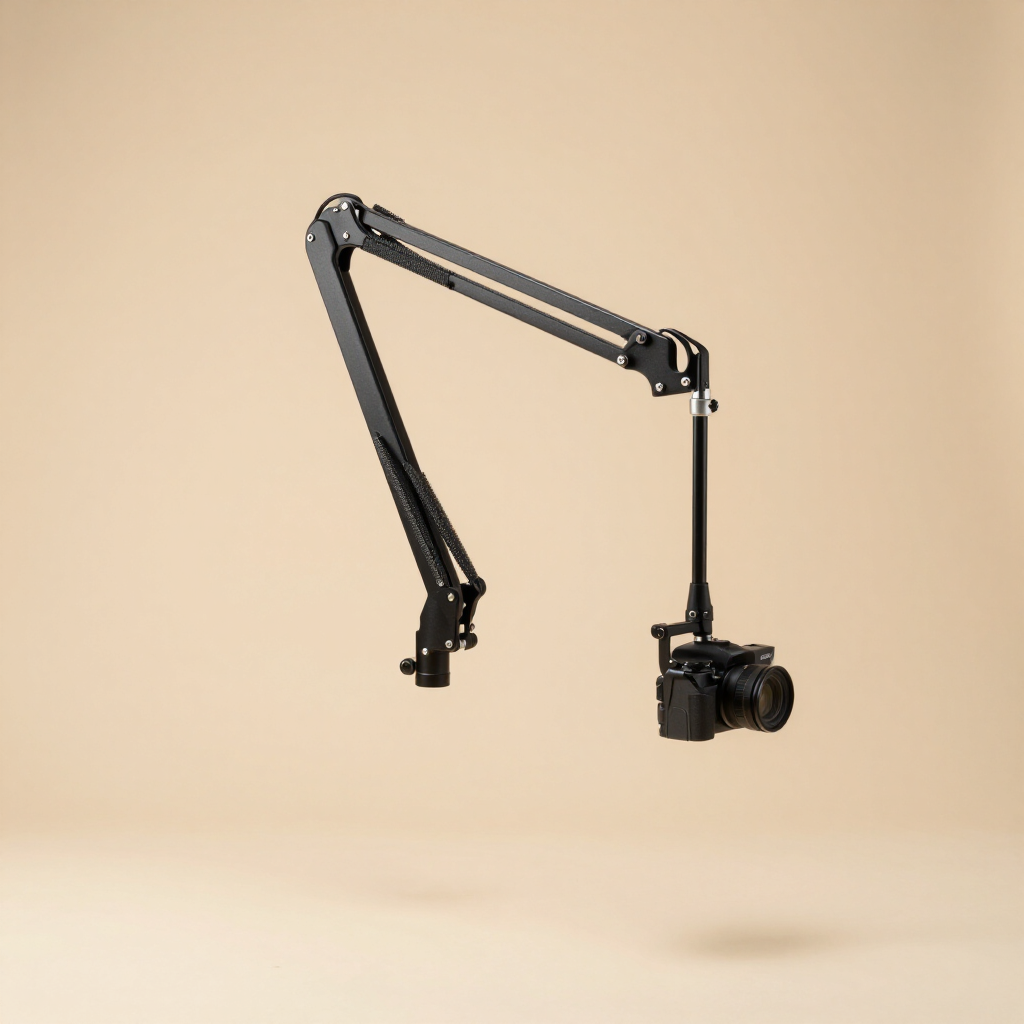
Elgato Multi Mount System
Elgato · via Amazon
Closest match in our research: a modular, desk-clamped arm system with honest load ratings and one-motion repositioning, widely documented in creator builds.
KoolAllure may earn a commission from qualifying purchases made through links in this finding, at no additional cost to you.
Alternatives considered
We considered these too, and here is why the Finding arrived where it did.
-
Generic articulating arm (no-name) Various
Underrated joints and unverified load claims led to sag and drift in owner reports.
Why It Fits
- The clamp-and-pole architecture delivers overhead reach without drilling
- Modular extensions let the rig grow from webcam to mirrorless payloads
- Ball-head articulation repositions in one motion — the workflow feature owners praise most
- Standard mounts accept cameras, lights and phones as the setup evolves
Limitations
No match is perfect. These are the trade-offs our research surfaced.
- Heavier camera-and-lens combinations need the load math done honestly
- The clamp needs a solid desk edge; some sit-stand desks flex visibly
- Priced above generic arms — the premium buys joint quality that resists drift
Sources
- Creator studio build logs and rig teardowns — Independent creator documentation Independent source (sample citation)
- Mount load ratings and sag reports — Manufacturer specifications and owner reviews Manufacturer (sample citation)
- Desk-clamp compatibility threads — Creator community forums Owner reports (sample citation)
Format sample. This finding is based on published research, independent measurements and owner reports; no hands-on testing is claimed unless explicitly stated. KoolAllure may earn a commission from qualifying purchases made through links in this finding, at no additional cost to you.